How it works
Storage without the usual hassle.
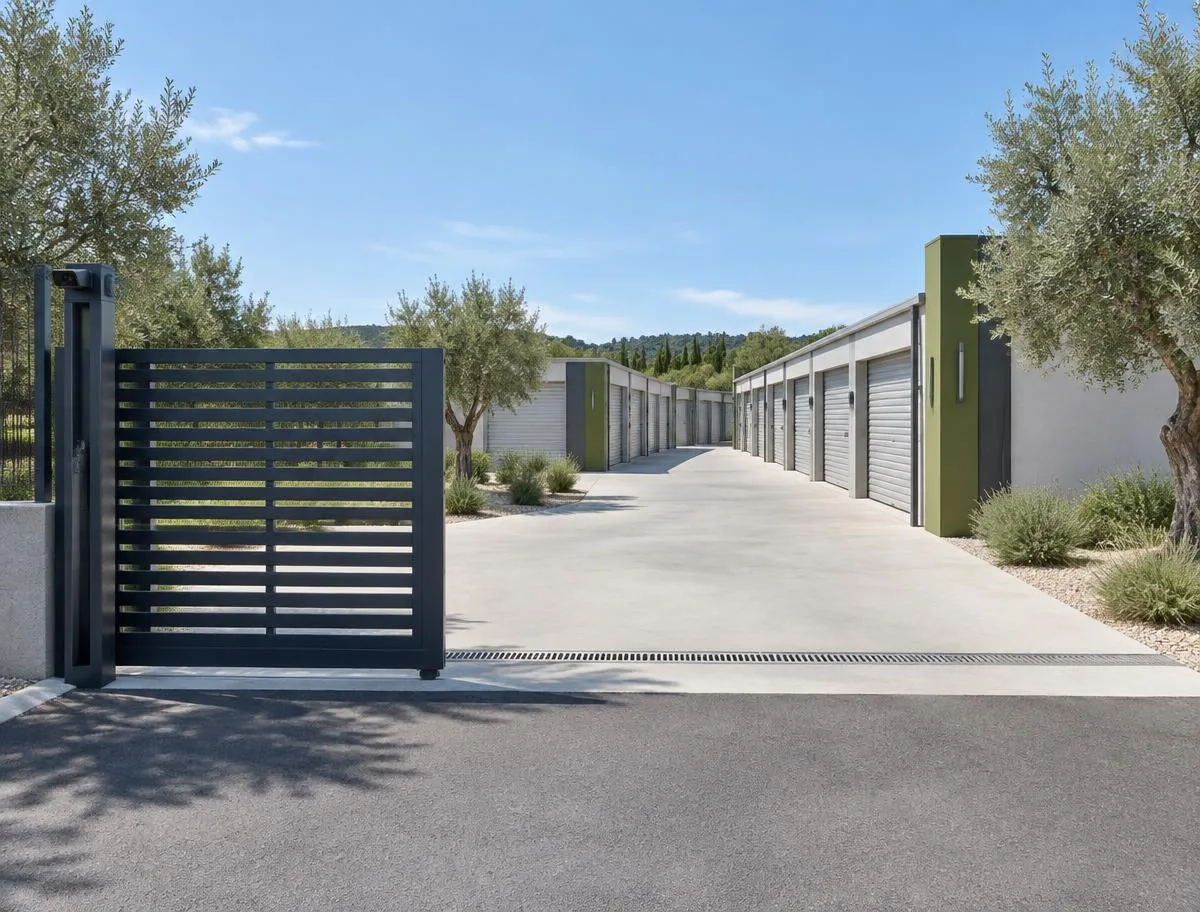
Choose your space, rent online and drive straight in. LOMA is designed to work without reception desks, key collections or unnecessary admin.
Six simple steps
Choose your space
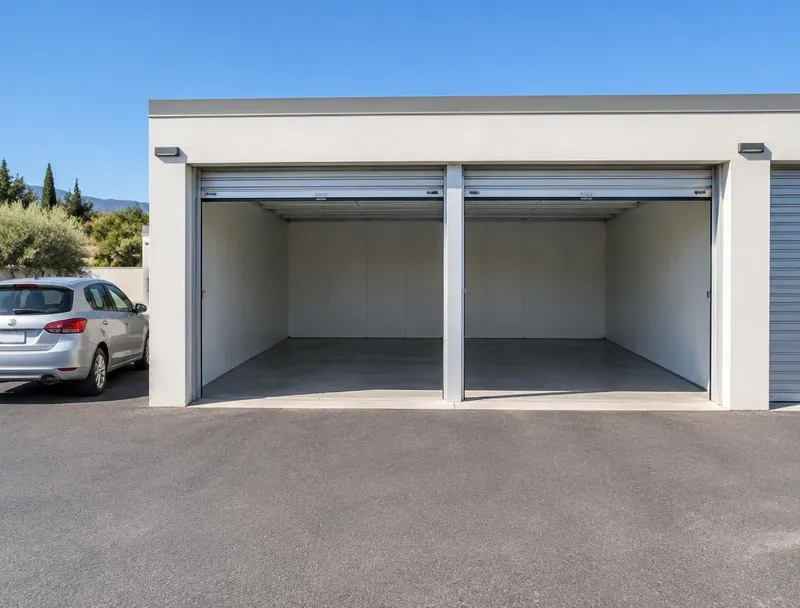
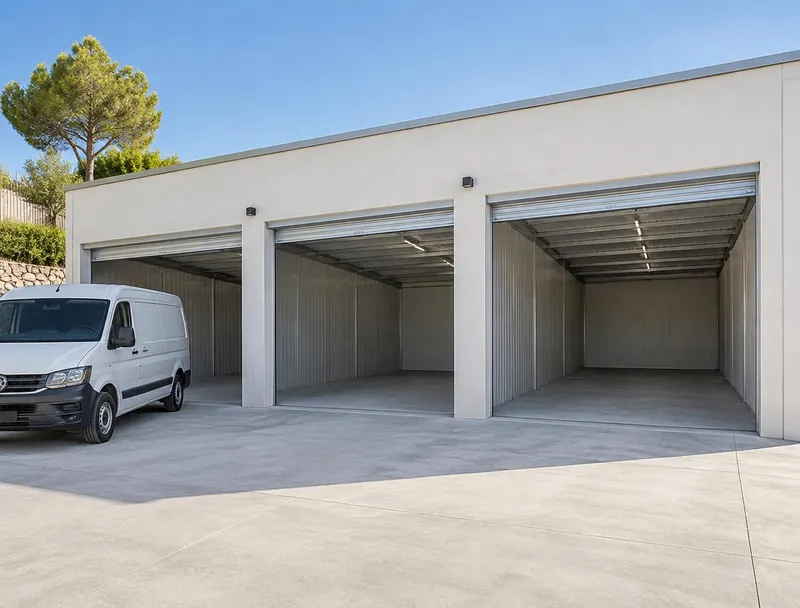
Select the amount of storage that works for you and check current availability and pricing.
View storage options →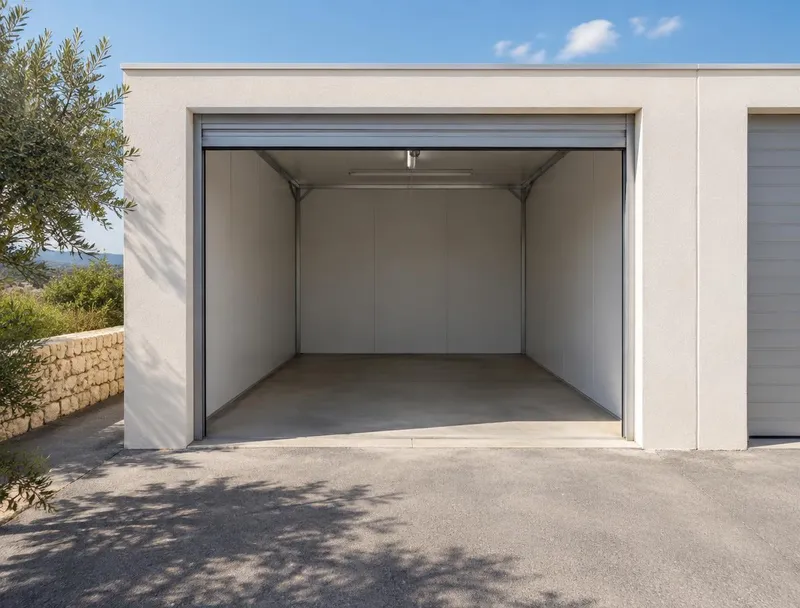
Rent online
Choose your start date, complete your details, accept the rental agreement and make your first payment online.
No visit or appointment required.
Register your vehicle
Register the vehicle or vehicles you will use to visit the site.
Your access is connected to your active LOMA rental.
Drive in
When you arrive, the entrance recognises your registered number plate and opens automatically.
QR or PIN access is available if needed.
Store
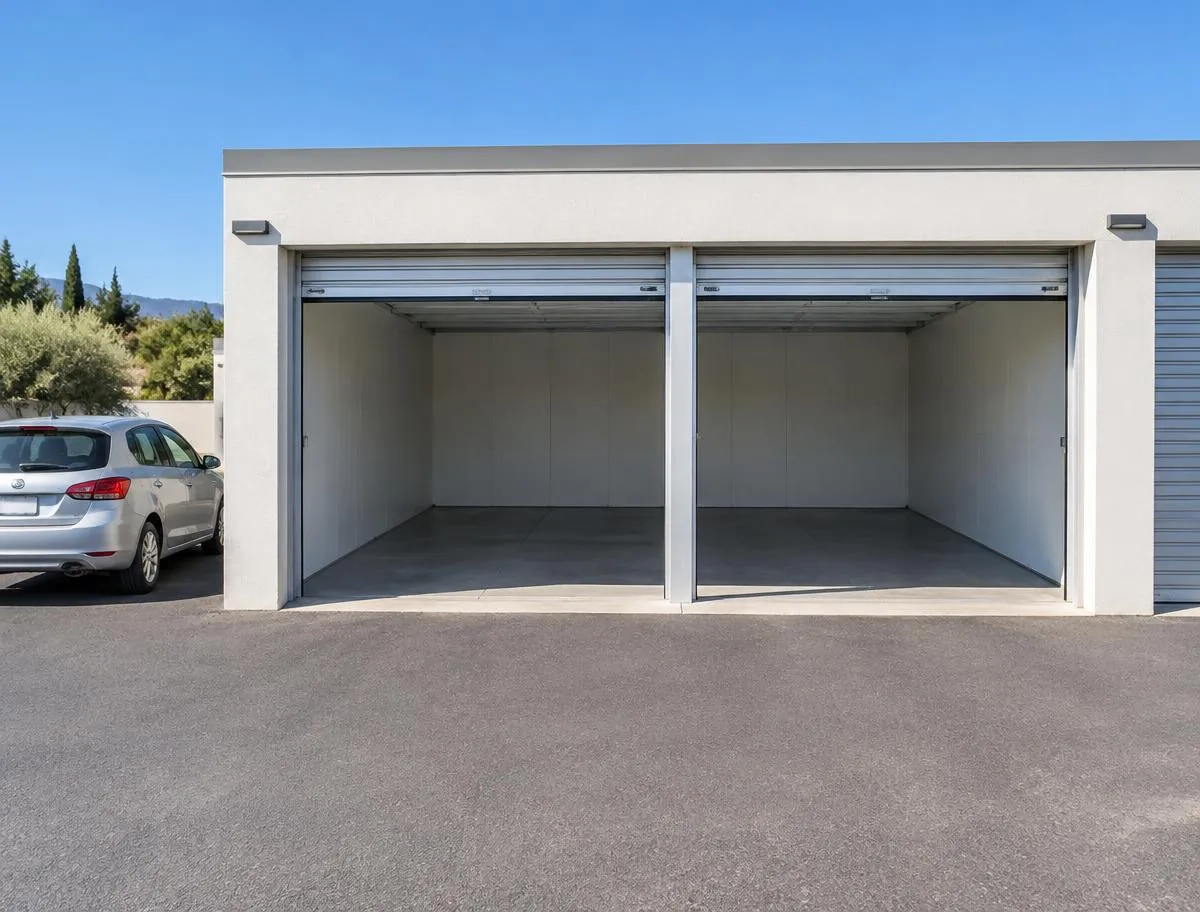
Drive directly to your private unit, unload and lock up.
No reception desk, lift, trolley or internal corridor.
Manage online
View your rental, update your details and payment information, and arrange your move-out through your online account. If you need more or less space, available options can be reviewed through LOMA.
Your storage is designed to remain simple throughout the rental, not just when you book.
Your vehicle becomes your access
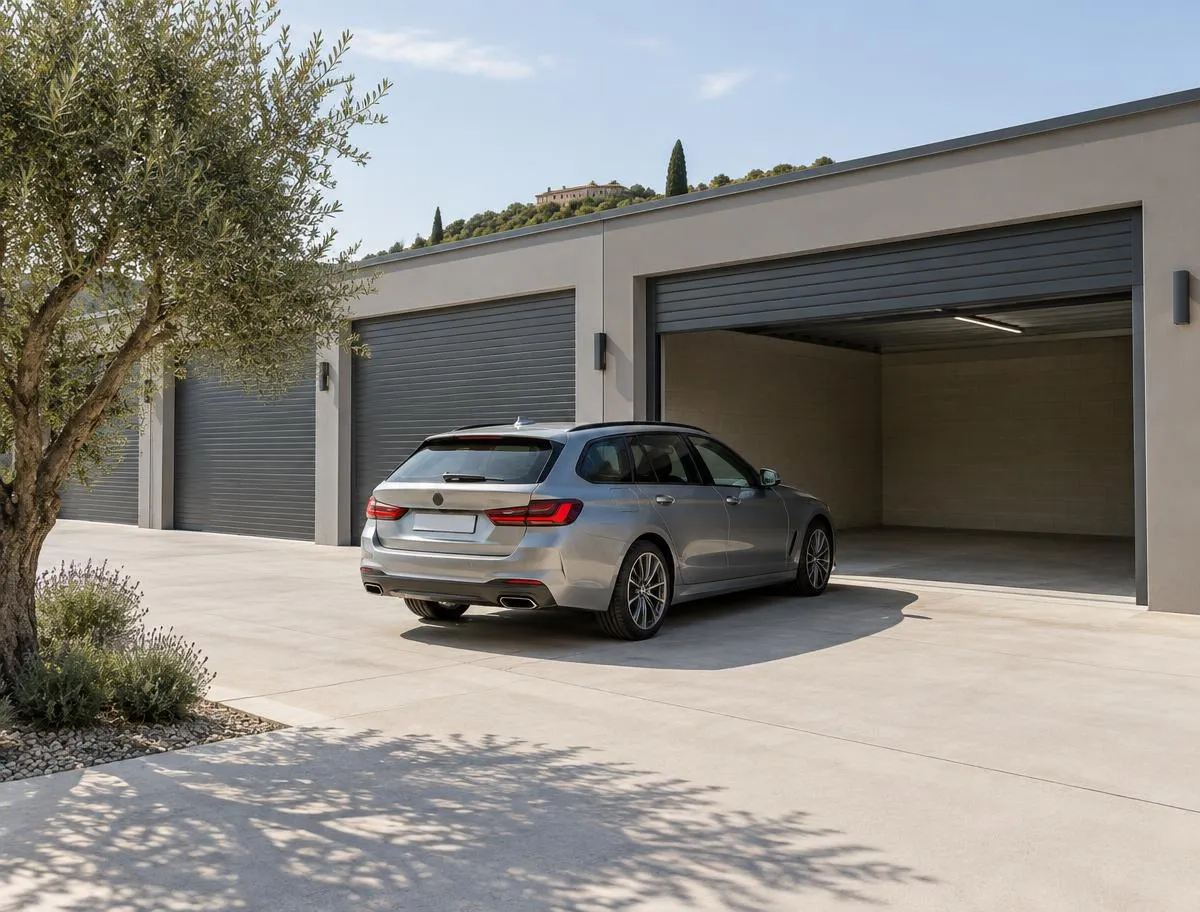
Register your vehicle when you rent and LOMA recognises it when you arrive.
Multiple vehicles
Add more than one regular vehicle where required.
Backup access
Use QR or PIN if vehicle recognition is unavailable.
Controlled access
Access remains linked to an active rental and permitted site hours.
How it works — common questions
No. You can choose your storage, complete your rental and set up your access online before your first visit.
Register your vehicle when you rent. When you arrive, the entrance recognises your number plate and opens automatically.
Yes. You can register more than one vehicle for access to your storage.
You can use your QR code or PIN as an alternative way to access the site.
Your payment details, invoices and rental information can be managed through your online account.
You can arrange your move-out through your online account, subject to the notice terms of your rental agreement.